Please take a short time to watch the video, which will guide you through the setup process step by step.
NOTE: Please confirm the printer is turned on and connected to your computer by USB cable before installing driver.
- It is recommended to close security software before installation to avoid preventing installation.
- Connect the printer to the same USB port on your computer every time to avoid creating duplicate copies of the printer.
- Copy the Windows driver from the U-disk or download it from this link: https://www.wodeindustry.com/?do_action=action.download&DId=18
Open the Driver File
Choose Language and follow the indication
Select ‘Next’ -> ‘Install’
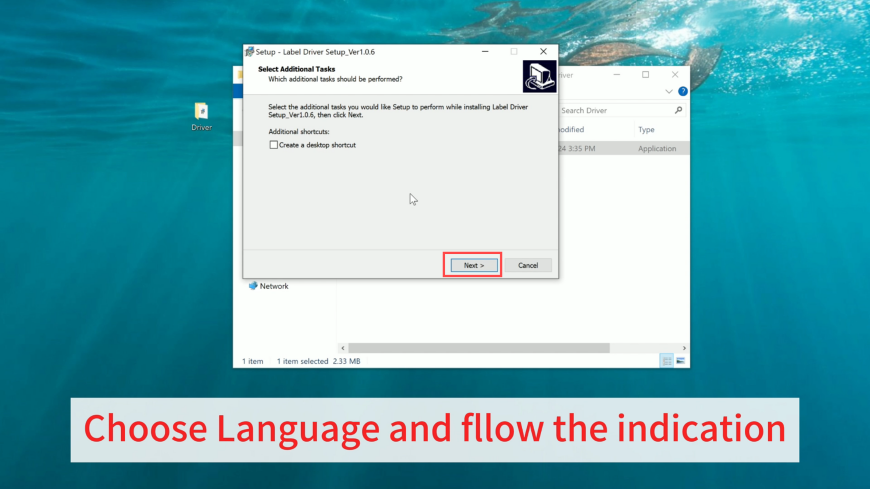
Click "USB Port" ."install Driver"
Enter Printer Name(optional)- Finish
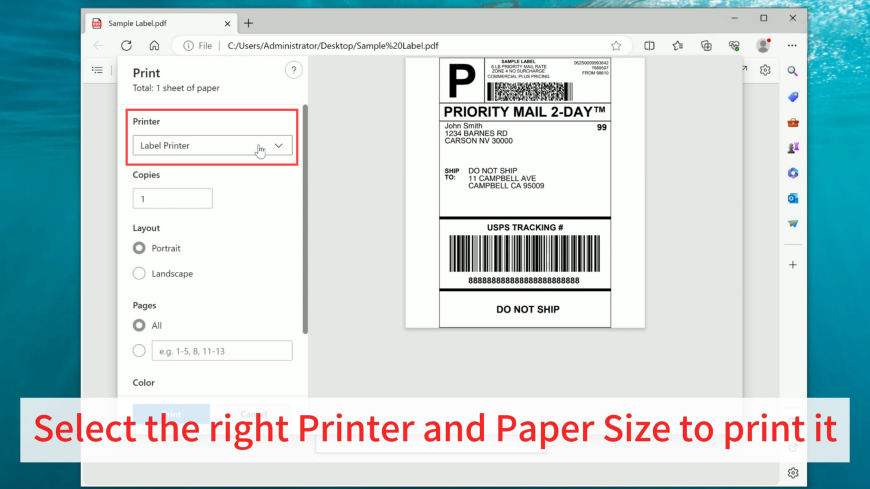
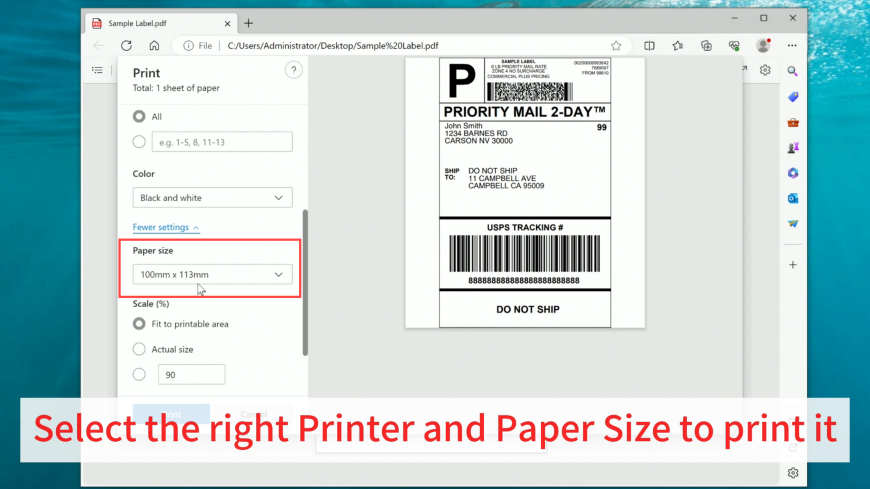
Open the file you need to print & click "Print'
Select the right Printer and Paper Size to print it