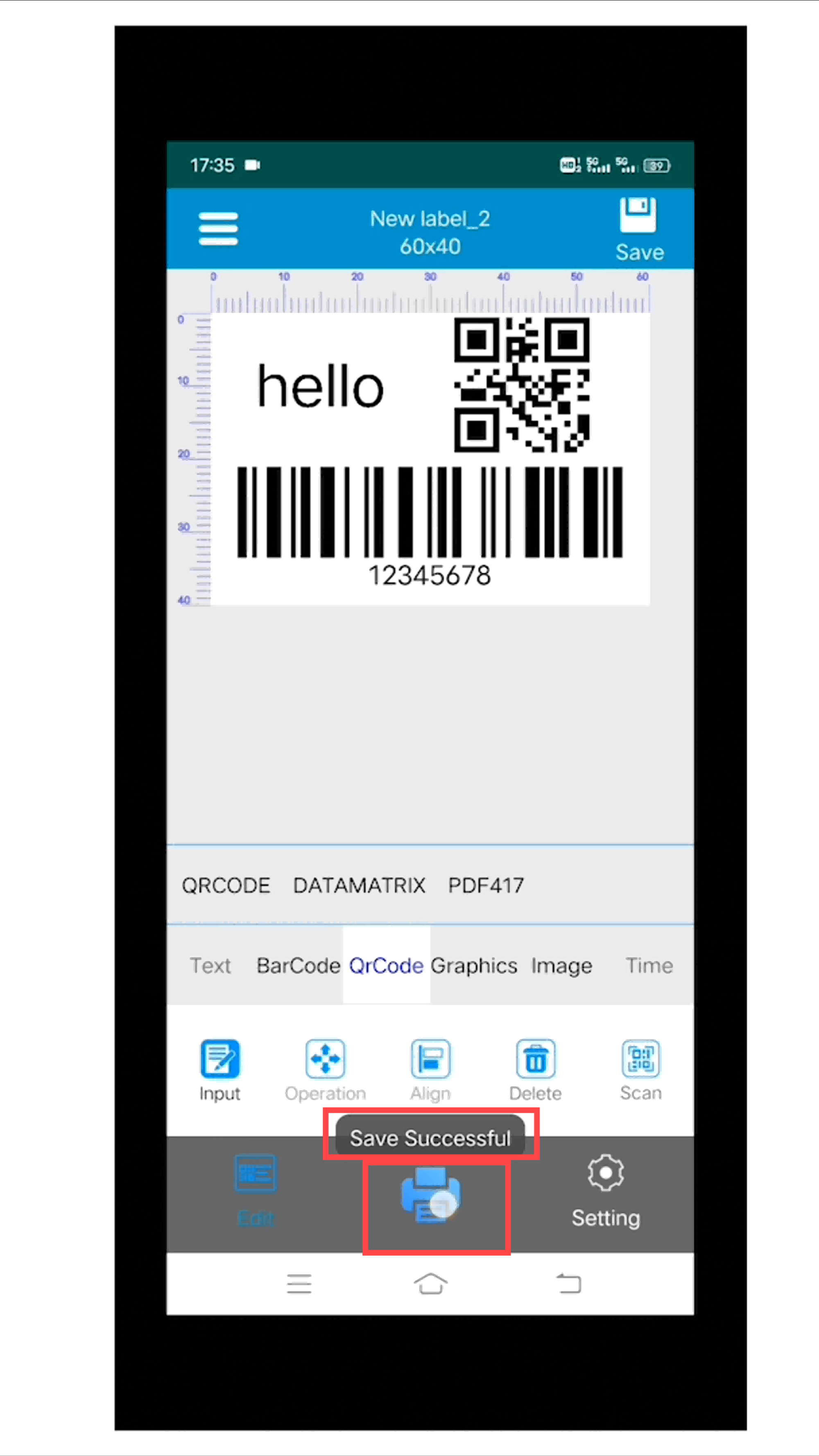
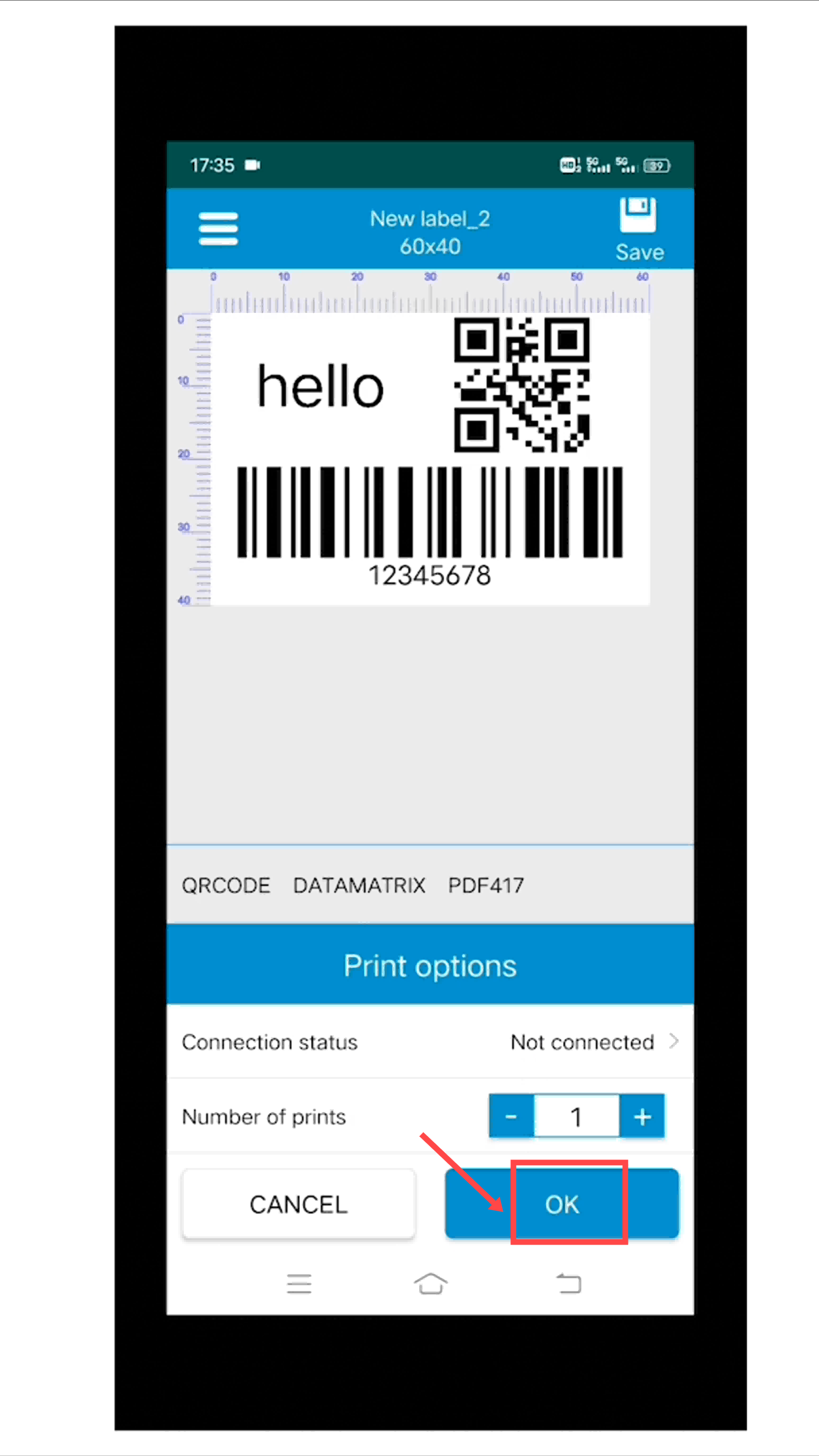
Please take a short time to watch the video, which will guide you through the setup process step by step.
1. APP Download
Method 1: Download ‘Print Label’ from Google Play Store.
Method 2: You can also scan the code to download it directly.
2.Printer Connection
turn on the "Bluetooth" on smartphone
Launch the "Print Label" application.
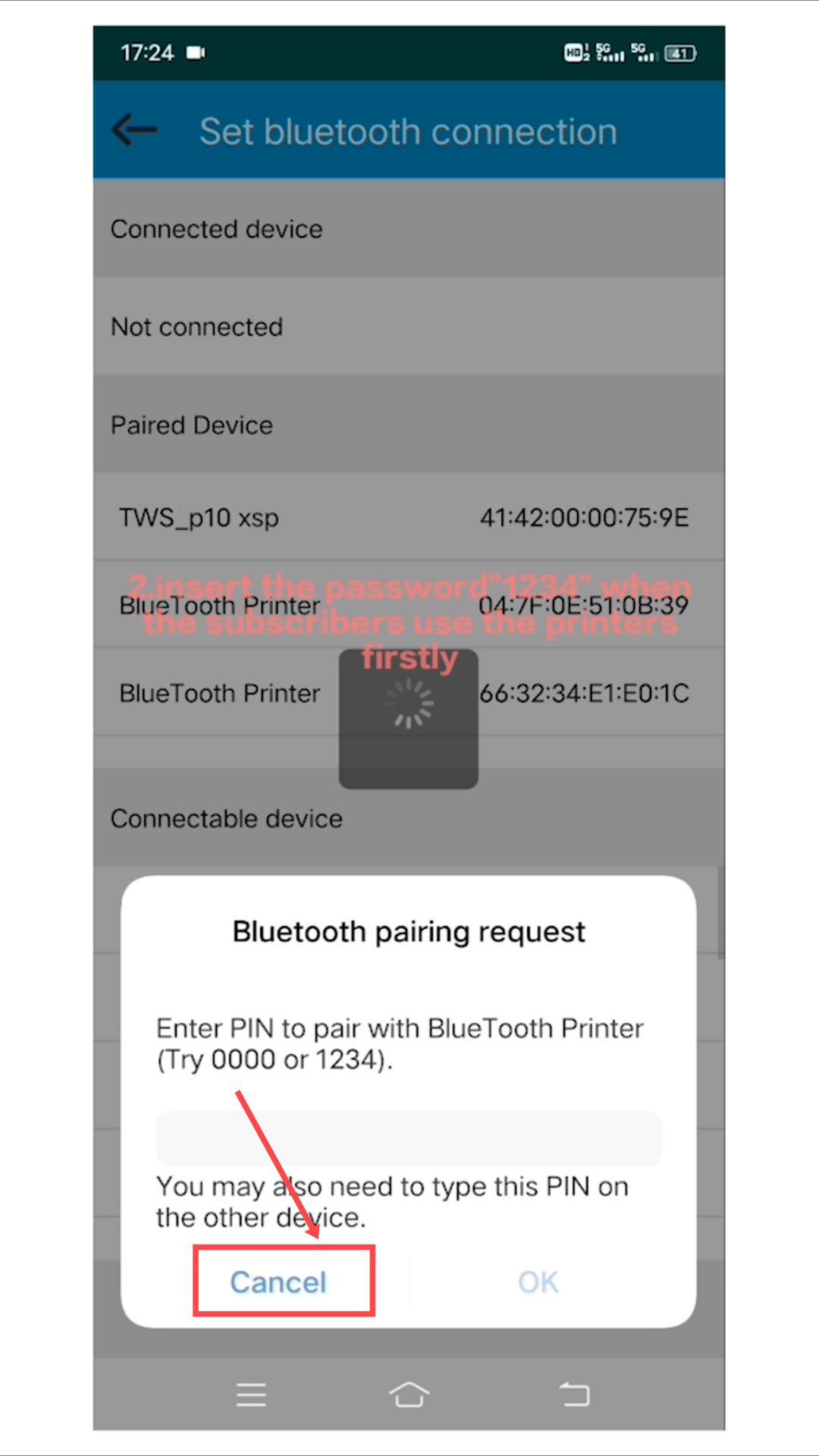
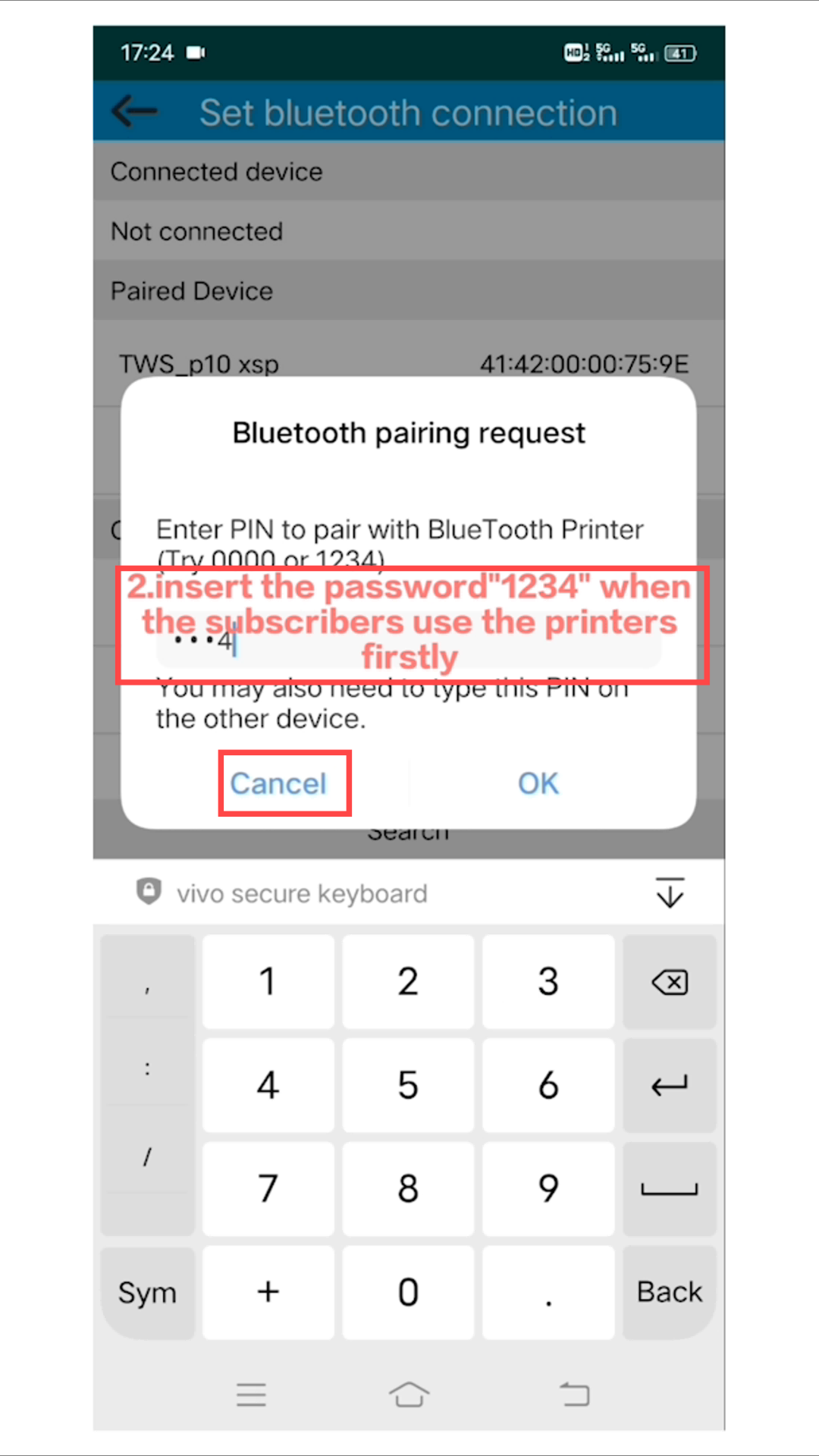
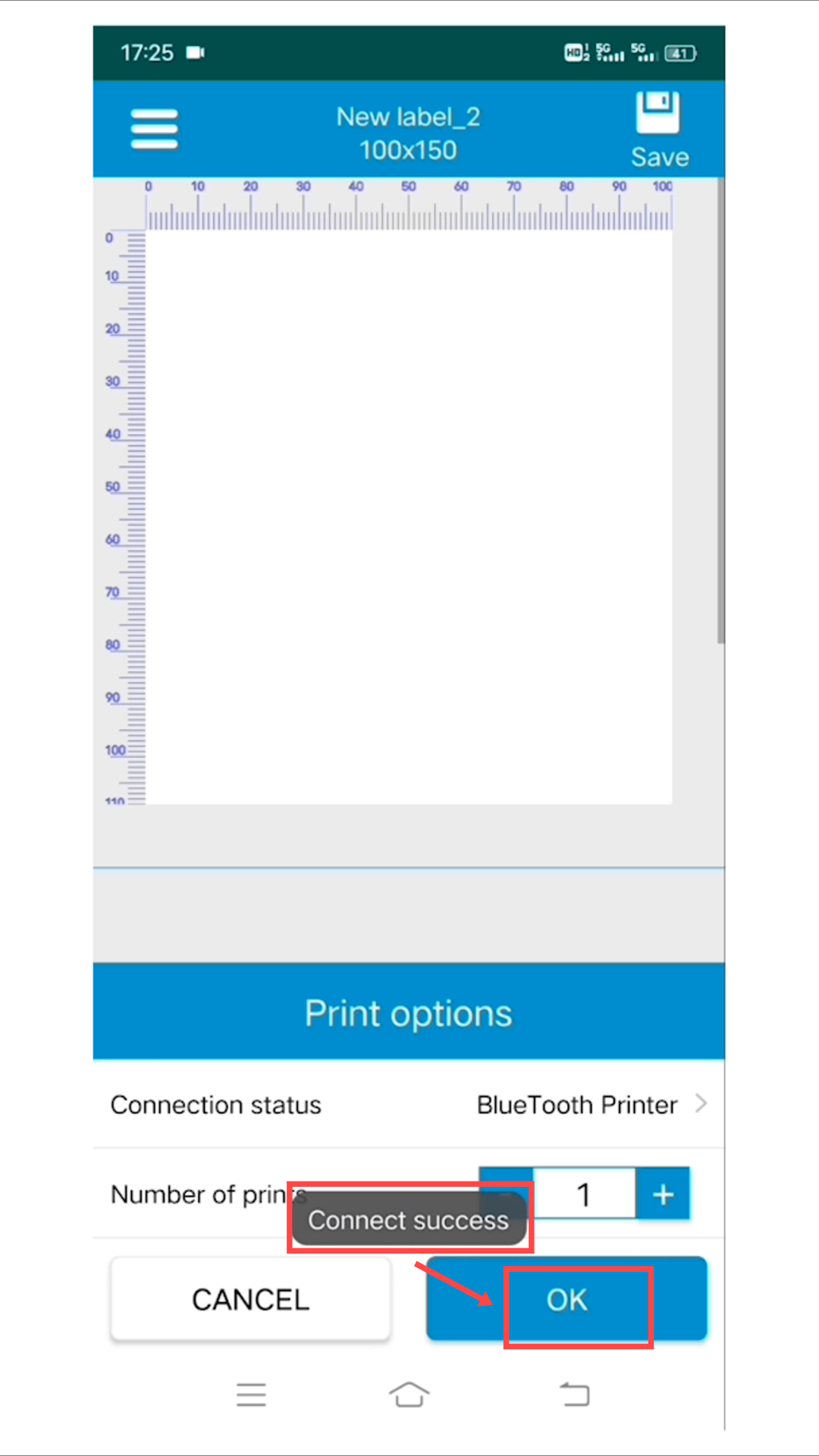
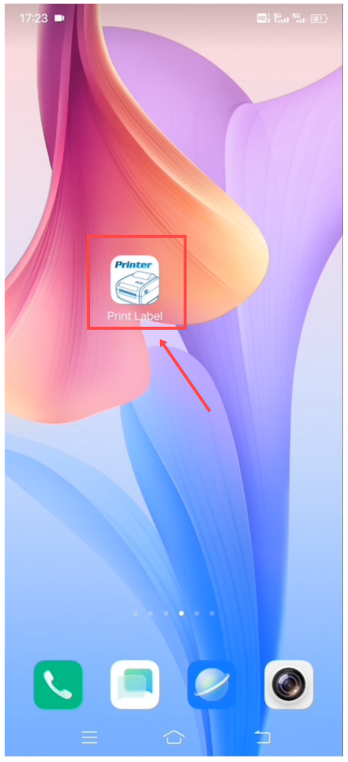 Set up the connection to "Bluetooth Printer" within the "Print Label" app.
Insert the password"1234" when the subscribers use the printers firstly
PDF files print
Tap "Print"
3.To customize your label for printing, click "Settings".
Setting the size of the labels according to the real printing paper
Double-click on the content to edit it
Once you have finished editing the label, tap on the print button.